Where to place a trail camera: height, angle and site
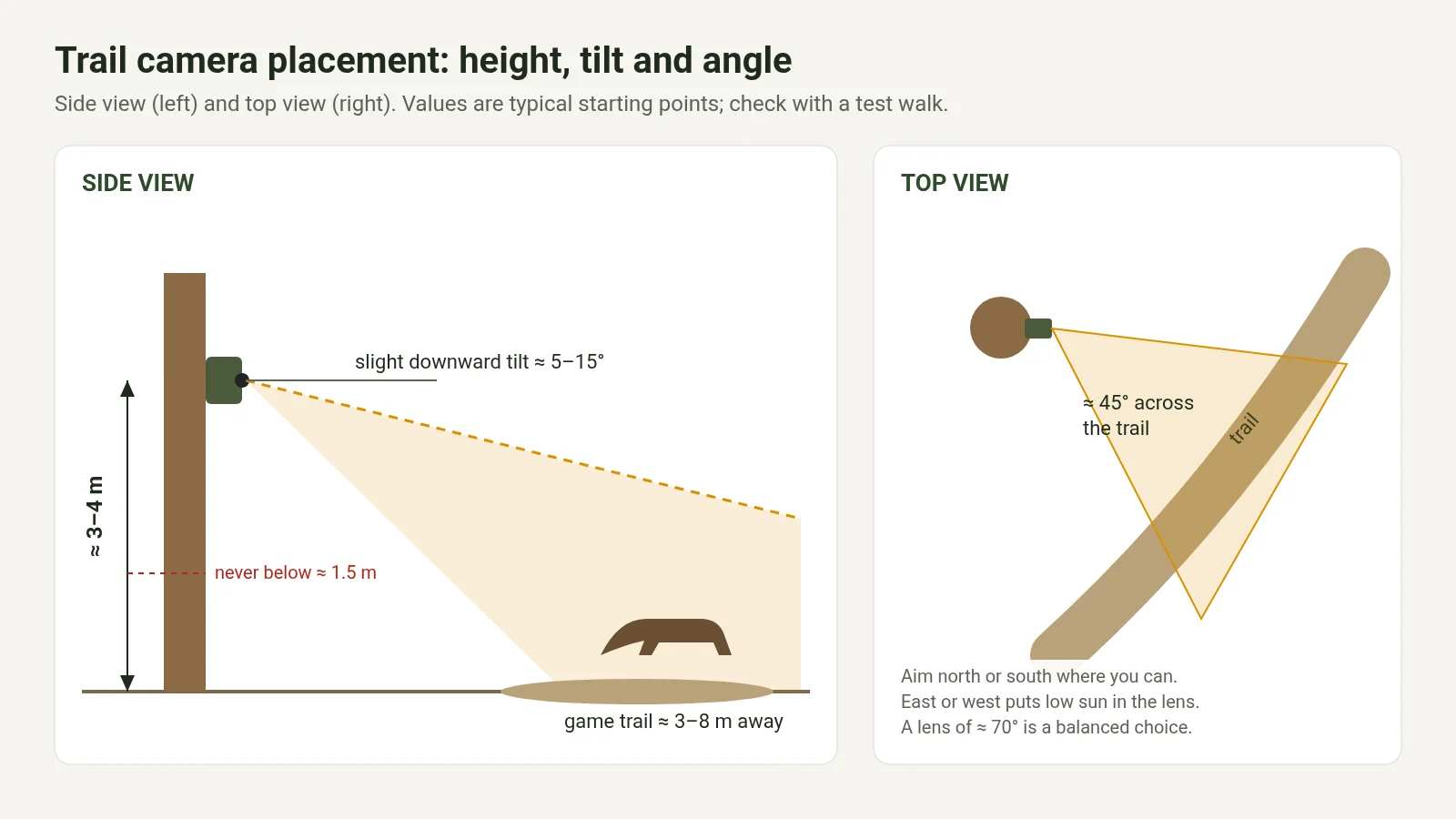
Short answer: mount the camera about 3–4 m high with a slight downward tilt of roughly 5–15°, never lower than about 1.5 m. Aim it at about 45° across the trail, 3–8 m from where animals walk, facing north or south rather than into the rising or setting sun. Clear grass and branches in front of the sensor, use a stable trunk, and do a test walk before you leave.
Legal note: this guide is general information, not legal advice. Rules on where and how trail cameras may be used, especially where people, public paths or neighbouring land could be recorded, differ between EU countries and regions. Check the law where you install the camera, use it lawfully only, and note that we accept no liability for how a camera is used.
The same camera can deliver sharp, well-lit images of every animal that passes or a card full of empty frames and white blurs. The difference is almost always where and how it is mounted. This guide covers height, angle, distance, sun, scent, feeding sites, night lighting, security use and 4G signal, and ends with a checklist you can run through at the tree.
1. Height: about 3–4 m with a slight downward tilt
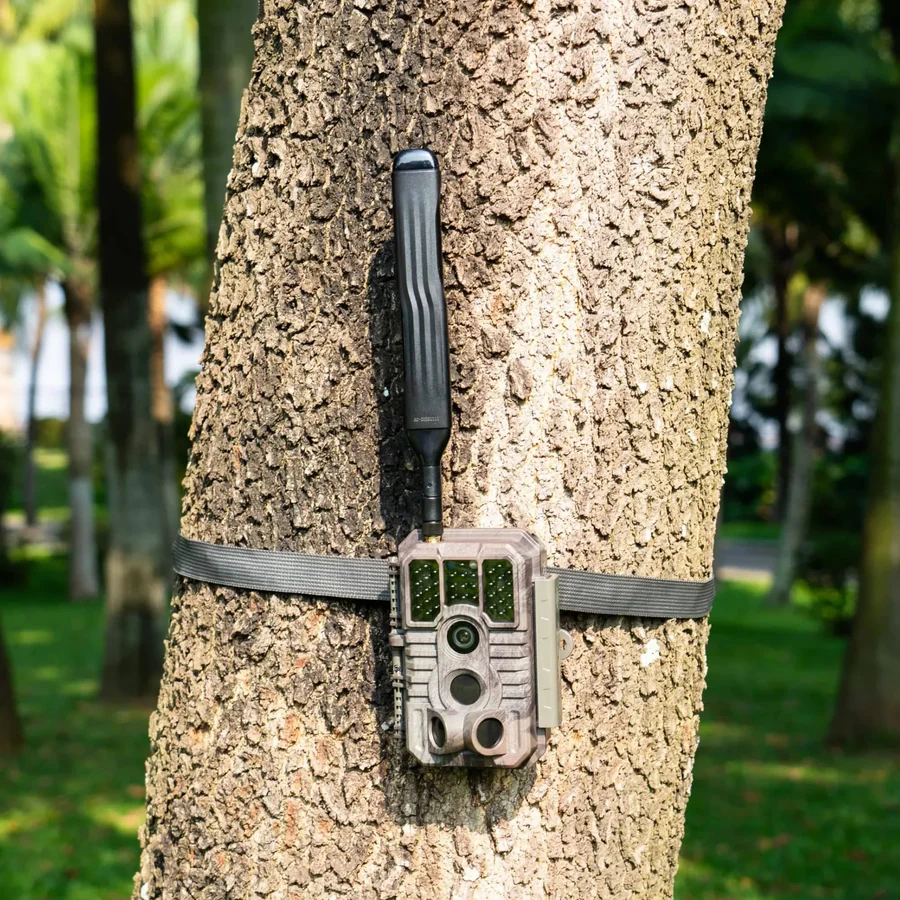
Mounting higher than eye level has three advantages: the camera is harder to spot and steal, animals rarely notice it, and the detection zone covers the trail rather than the grass directly in front of the lens. A height of roughly 3–4 m with a gentle downward tilt of about 5–15° works well at most sites.
Do not go below about 1.5 m. Close to the ground the camera is more exposed to moisture, small animals trigger it constantly, and theft is easier. Manufacturers also advise against very low mounting. If you must mount low for a specific reason, expect more false triggers and check the camera more often.
A height of 3–4 m does not mean the tilt can be steep. If the camera points sharply down, the frame shows mostly ground and animals cross the zone too quickly. Aim so the trail sits in the lower half of the frame.
2. Angle and distance to the trail
A camera pointing straight across a trail sees an animal for only a moment. Placing it at about 45° to the trail means animals walk into the frame and along it, which gives the PIR more time to react and you more usable frames.
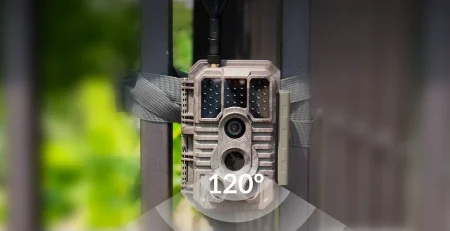
Keep the camera roughly 3–8 m from where animals pass, depending on the lens. A wide lens shows more but makes distant animals small; a narrow lens shows detail but less area. A lens of around 70°, as on current GardePro cameras, is a balanced compromise for most trails and feeding sites.
3. Clear the zone in front of the sensor
Branches, tall grass and leaves moving in front of the PIR sensor are the main cause of false triggers. Clear the first few metres in front of the camera and remember that a site clear in March can be full of leaves by May. A stable trunk and a well-tightened strap matter as much: a camera that sways triggers on its own movement. Set PIR sensitivity after the site is right, not instead of fixing it.
Avoid pointing the camera at moving water or a road. Ripples and passing vehicles trigger it just as reliably as animals. Our guide to false triggers goes into each cause in detail.
4. Mind the sun
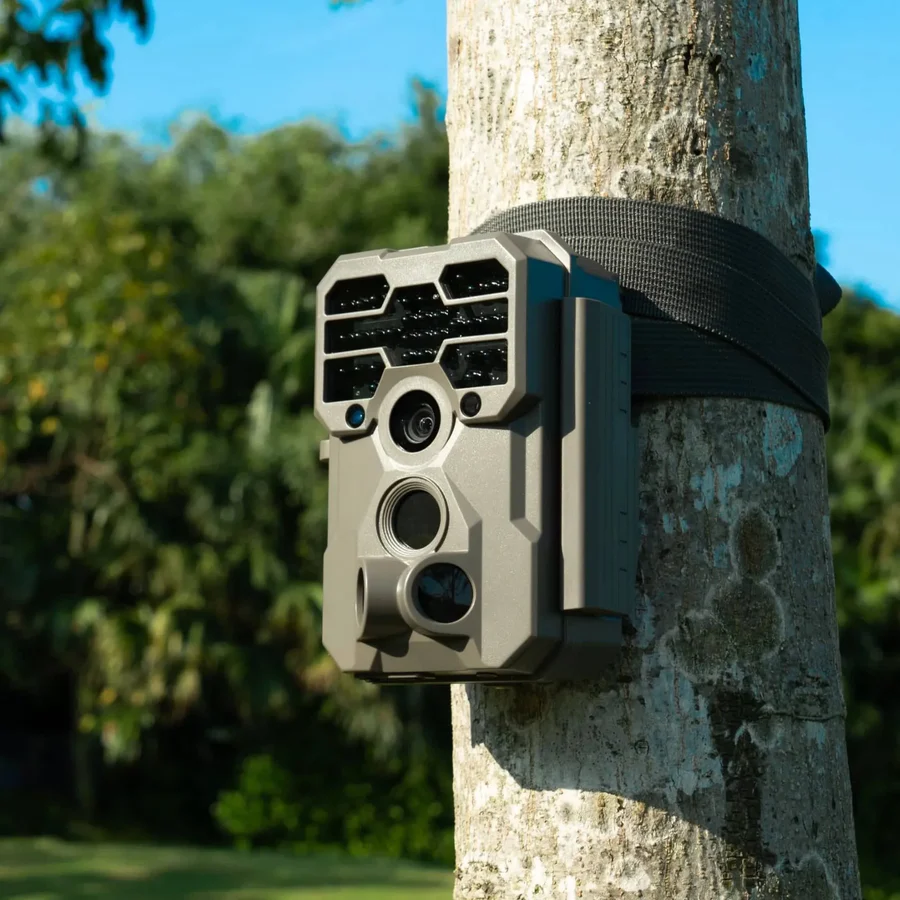
A camera facing east or west gets the low morning or evening sun straight into the lens and onto the ground in front of it. The result is overexposed images and a run of false triggers as patches of sunlight move. Wherever the trail allows, face the camera north or south. After installing, check the morning and evening images over the first days and adjust if necessary.
5. Scent and disturbance
Many animals notice human scent and fresh changes at a site. Keep your footprint small:
- Wear gloves when handling the camera and mount.
- Do not smoke or use scented sprays at the site.
- Walk in and out along the same path, ideally with the wind in your favour.
- After installation, leave the site alone for a few days.
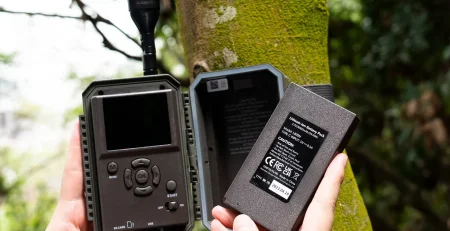
A 4G camera helps here: you see images on your phone and do not need to visit just to check the card.
6. Feeding sites and bait stations
At a feeding site, place the camera 4–8 m to the side of the feeder rather than straight in front of it, so animals are captured from the side and the infrared does not burn out the nearest animal. If the layout requires it, you can go further, up to about 25 m, as long as the camera’s range and infrared cover the distance.
GardePro’s adaptive night mode adjusts the infrared LED power to the distance, so animals close to the camera are not overexposed and distant ones are not too dark. On cameras with a solar panel, the panel can be mounted separately on its cable in a sunnier spot while the camera stays in the shade.
7. Common night image problems
| What you see | Cause | Fix |
|---|---|---|
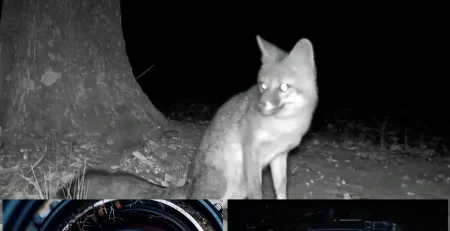
| White, burned-out animals close up | Fixed strong infrared at short distance | Move the camera further away or use adaptive IR |
| Dark images far away | Infrared too weak for the distance | Move closer or choose a camera with longer IR range |
| Bright blur in the frame | Branch or leaf in front of the lens lit by IR | Clear in front of the lens |
| Glare across the image | Reflective surface such as a sign, a car or wet rock | Change the angle so the reflection is out of frame |
8. Using a trail camera for security
For a cabin, stand, orchard or remote property, the priorities change:
- Mount higher, so the camera is harder to see and reach.
- Aim at approach points such as the gate, the door or the access track, not at the whole area.
- Secure the camera with a cable lock or steel cable around the tree.
- Set a camera password in the app. Few trail cameras offer this; GardePro does, so a stolen camera is useless without it.
- Choose a 4G model so you receive images straight away, and prefer video.
Make sure you are allowed to record the area you point the camera at; see the legal note above.
9. 4G signal at the exact spot
For a 4G camera, check the mobile signal at the planned position, at camera height, with the operator you intend to use. Moving a few metres or changing the side of the tree often helps. Setup, data use and running costs are explained in our guide to 4G trail cameras and SIM cards in the EU.
10. The test walk and checklist
The test walk is not optional. Walk along the trail at the distance you expect animals and check that the camera triggers where it should and that the background stays calm. On a live-view camera you can check the frame from your phone before you leave the site.
- Height about 3–4 m, slight downward tilt; not below about 1.5 m.
- About 45° across the trail, 3–8 m away.
- Grass and branches cleared in front of the sensor and lens.
- Stable trunk, strap and screws tightened.
- Facing north or south where possible; no water or road in the zone.
- Feeding site captured from the side, 4–8 m away.
- 4G signal checked at the spot.
- Test walk done; first images checked.
A GardePro tree mount makes it easier to set height and angle precisely and to adjust them later.
Recommended camera for most sites
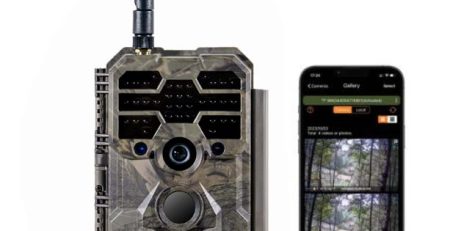
Transparency: Scoutguard EU sells GardePro. Our best-seller for the placements described here is the GardePro X60P Pro Max Live: live view to check the frame from your phone, unlocked SIM, an 8000 mAh Li-ion battery, free cloud and app, a 0.1 s trigger and adaptive infrared. If you move the camera often, the AA-powered X50 is practical; for a fixed site with solar, see the GardePro model and power guide. GardePro cameras come with a 2-year warranty.
Key takeaways
- About 3–4 m high, slight downward tilt, never below about 1.5 m.
- About 45° across the trail, 3–8 m away; a 70° lens is a good compromise.
- Clear the zone in front of the sensor and use a stable trunk.
- Face north or south; avoid water and roads in the zone.
- At feeders, mount 4–8 m to the side.
- Always do a test walk before you leave.
Frequently asked questions
How high should a trail camera be mounted?
About 3–4 m with a slight downward tilt of roughly 5–15° works for most sites. Avoid mounting below about 1.5 m.
Which direction should the camera face?
North or south where possible. East or west puts the low sun into the lens and causes overexposed images and false triggers.
How far from the trail should the camera be?
About 3–8 m, depending on the lens, at an angle of about 45° to the trail.
Where should the camera go at a feeding site?
About 4–8 m to the side of the feeder, further if needed and the range allows. Adaptive infrared helps keep close and distant animals evenly lit.
How do I protect the camera from theft?
Mount it higher, lock it with a cable, and set a camera password in the app if the camera supports it, as GardePro cameras do.
Why are my night images white and blurry?
Usually a branch or leaf close to the lens is lit by the infrared, or a strong fixed infrared is overexposing a nearby animal. Clear in front of the lens and adjust the distance.
Information is provided for general guidance; check the specifications on the product page or with the manufacturer.